Rippling bundles HR with IT and finance, but mid-market HR teams often pay for modules they never use. This roundup ranks 12 alternatives that start from the people side: HiBob (Bob) leads for HR-first mid-market teams, Paylocity and BambooHR cover core HR and payroll, Deel and Remote handle global hiring, and Workday and ADP serve larger enterprises. Each profile includes G2 ratings, reviewer complaints, and pricing structures.
Rippling sells one bundle for HR, IT, and finance, and the pitch lands well until an HR team reads the invoice. The base platform carries a low sticker price, then payroll, benefits, device management, and app provisioning each arrive as separate modules with their own per-employee fees. For a people team that wants a strong HR system and little else, that structure means paying for infrastructure it will never touch. Searches for rippling alternatives climb every quarter for that reason: buyers want the parts that serve employees without the IT-admin machinery wrapped around them.
This roundup looks at 12 platforms that give HR leaders a people-first system, ranked with mid-market companies in mind. Each entry covers who the tool fits, what it does well, where reviewers push back, and how pricing works, so you can build a shortlist with clear eyes rather than a demo-day hunch.
Why consider a Rippling alternative
Rippling launched in 2016 as a way to run HR, payroll, IT, and spend management from one place. The device management piece sets it apart: the platform provisions laptops, controls app access, and enforces security policies, which no traditional HR system does. For a lean startup where one person handles onboarding and IT, that combination saves real time.
The trouble starts when the buyer is an HR team, not an ops generalist. Rippling prices by module, so the workforce directory is one line item and payroll, benefits, and IT each add another. Published pricing analyses put the core module around $8 per employee per month, with the working total landing between $25 and $50 once a team switches on payroll and the other pieces it needs. A people team ends up funding device management and app provisioning it has no plans to use.
Depth creates a second issue. Reviewers on G2 flag a steep learning curve and note that the breadth of settings takes dedicated effort to configure. The platform’s newer modules, including recruiting and benefits enrollment, draw complaints about missing features next to specialist tools. Some G2 reviewers say support routes through admins, so employees raise payroll questions with HR rather than with Rippling.
Rippling remains a capable product. The mismatch is one of shape: it bundles IT with HR for buyers who want a people system on its own terms. The alternatives below start from that people side.
The top Rippling alternatives at a glance
Here is how the 12 platforms compare on fit, strengths, and pricing before the deeper profiles below.
Platform
Best for
Key features
Pricing
HiBob (Bob)
Mid-market teams wanting HR-first software without IT-admin weight
Unified people data and analytics, engagement and performance, native US payroll plus global Payroll Hub
Demo-based quote
Paylocity
Mid-market HR, payroll, and finance in one system
Payroll and tax filing, employee community and recognition, workforce analytics
Custom quote
Gusto
US small businesses wanting simple, automated payroll
Distributed teams hiring worldwide through one Employer of Record
EOR and contractor management, global payroll, IP protection
Custom quote
1. HiBob
Credit: HiBob
Best for: Mid-market companies that want a people-first HR platform without the IT-admin weight
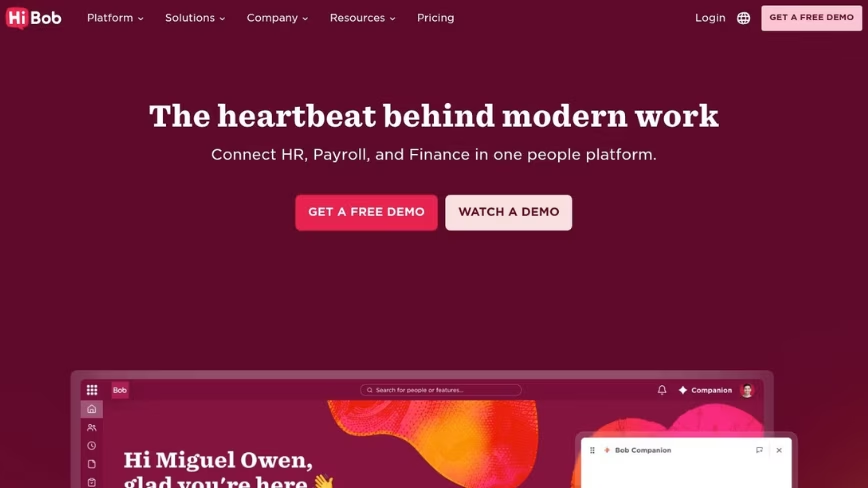
Bob, the platform built by HiBob, treats HR as the main event rather than a companion to device management. Bob runs on a required foundation called Bob Core, which unifies people data, self-service, workflows, and analytics in one place, then lets companies add suites for talent, payroll, and planning as they grow. Where Rippling wraps HR inside an IT-and-finance bundle, Bob keeps the people experience at the center, which suits HR leaders who want engagement and culture tools in the core product rather than bolted on later.
The platform earns attention for how it feels to use. The interface is consumer-grade, the kind employees open without a training session. Recognition and performance reviews sit inside the same system that holds records and payroll, so managers act on sentiment data without exporting it to a separate engagement tool. For a growing mid-market company, that consolidation replaces the point-tool stack many teams outgrow.
Pricing is the honest catch. HiBob keeps rates off the public page, so the entry point is a scoped quote rather than a single published module fee. Teams that want a public per-seat number will need a sales conversation first. In return they get a modern people platform that goes live in weeks and carries 4.5 out of 5 across a base of more than 1,800 G2 reviews.
Highlight features:
Unified people data and analytics: Bob Core holds records, org structure, and skills context in one place, with real-time dashboards that track headcount, turnover, and retention risk.
Engagement and performance in the core: Recognition, lifecycle surveys with AI sentiment analysis, 360-degree reviews, and 1-on-1s live inside the platform rather than in add-on tools.
Payroll and planning suites: Native US payroll and a global Payroll Hub connect local providers, while Workforce Planning and Compensation add AI scenario modeling and Mercer benchmarking.
What it costs: Not published; HiBob provides a custom quote after a demo, and every plan starts with Bob Core.
2. Paylocity
Credit: Paylocity
Best for: Mid-market companies that want HR, payroll, and finance in a single system
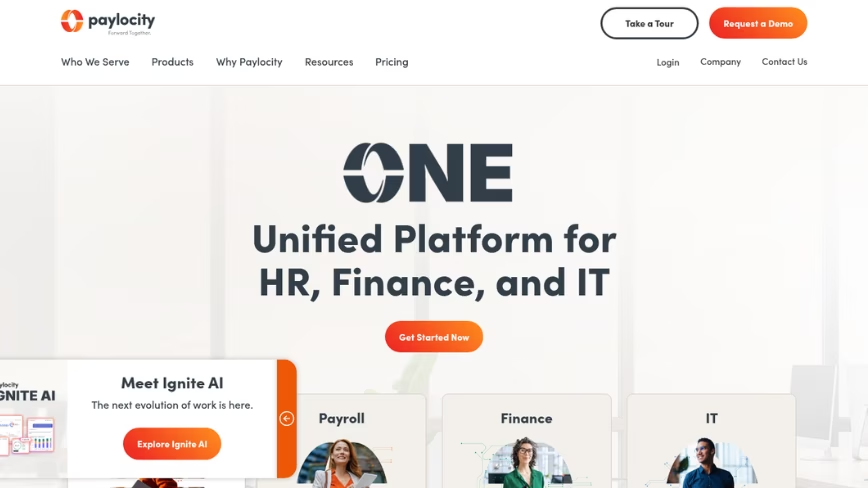
Paylocity brings payroll, benefits, HR, and an engagement layer together for mid-market employers, and it leans harder on culture tools than most payroll-rooted platforms. Its Community feature works as an internal social hub with chat and video, and its recognition tools give employees a way to reward peers, which appeals to companies that want engagement built in rather than sourced from a separate vendor. Against Rippling, the pitch is HR-specific automation and business-user reporting instead of IT provisioning.
The reviews temper the story. Across a base of more than 5,300 G2 ratings, Paylocity sits at 4.4 out of 5, and the most common complaints point at support responsiveness and a setup that takes patience to learn. Some reviewers also flag features they expected to find missing from certain tiers, so a detailed scoping conversation matters before signing.
Paylocity fits an HR team that wants payroll and engagement under one roof and can absorb a learning curve during rollout. Pricing follows a custom-quote model, so budgeting means a sales call.
Highlight features:
Payroll and tax filing: Full-service payroll with tax filing across all 50 states and expanding global payroll coverage.
Employee community and recognition: A social hub with chat, video, surveys, and peer recognition built into the platform.
Workforce analytics: Pre-built and custom reporting aimed at HR users rather than technical teams.
What it costs: Custom quote; Paylocity doesn’t publish standard rates.
3. Gusto
Credit: Gusto
Best for: US small businesses that want payroll to run itself
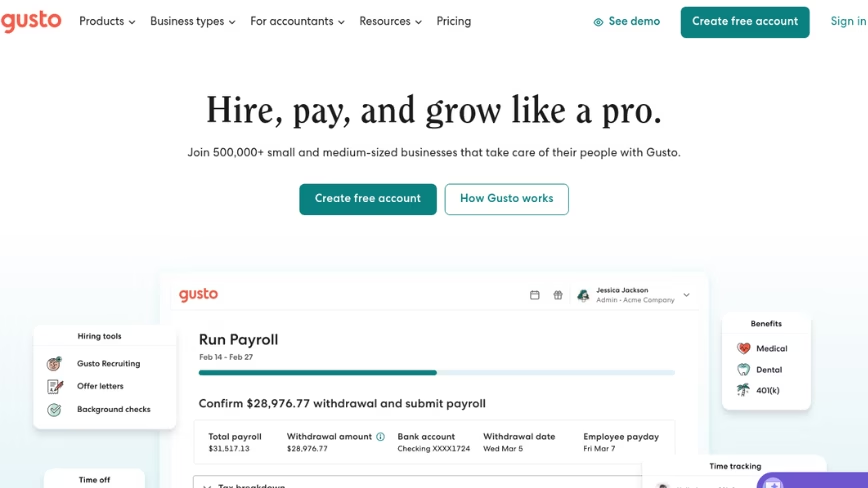
Gusto made its name on payroll a founder can run without an HR background. Automatic tax filing at the federal, state, and local level comes included, and its AutoPilot setting runs each cycle on schedule, which removes the manual step that trips up small teams. For a US company under about 150 employees, Gusto covers payroll and light HR with an approachable interface.
Scale is where it strains. Reviewers note that the platform fits smaller headcounts better than growing ones, and its 4.6 average across a base of more than 10,000 G2 reviews sits alongside recurring complaints about support wait times and payroll or login problems. A company expecting to double headcount may outrun Gusto’s depth in workforce planning and advanced HR.
Gusto suits a small business that wants clean payroll today, with the caveat that heavier HR needs push buyers toward a broader platform later.
Highlight features:
Full-service payroll: Unlimited payroll runs with automatic federal, state, and local tax filing included in the base price.
AutoPilot payroll: Scheduled automatic runs for teams with steady pay cycles.
Benefits administration: Health insurance, 401(k), and workers’ comp administration built in.
What it costs: Simple plan from $49 per month plus $6 per employee; Plus plan from $80 per month plus $12 per employee; Premium at custom pricing.
4. BambooHR
Credit: BambooHR
Best for: Small and growing teams that want approachable core HR
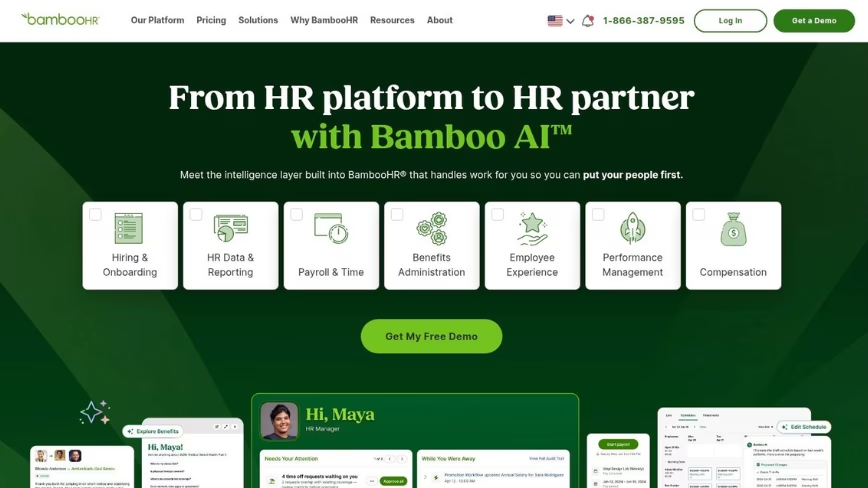
BambooHR helped define the approachable HR system for companies leaving spreadsheets behind. It centralizes employee records, runs onboarding with e-signatures and checklists, and gives staff a clean self-service portal with visual org charts, all without demanding IT expertise to manage. Set against Rippling’s automation depth, BambooHR trades breadth for a gentler learning curve.
The ceiling shows up in customization. Reviewers across a base of more than 5,000 G2 ratings give it 4.4 out of 5 while noting limited options for complex workflows and reporting that struggles with deep custom analytics. Companies with intricate approval chains or heavy analytics needs tend to hit those walls as they scale past a few hundred employees.
BambooHR works best for a team that values ease of use over configurability and wants core HR running fast.
Highlight features:
Centralized employee records: A single source for people data, documents, and time-off tracking.
Onboarding workflows: Digital onboarding with e-signatures, task lists, and automated reminders.
Self-service and org charts: Employee self-service with visual reporting maps and team calendars.
What it costs: Core from $10, Pro from $17 and Elite from $25 per employee per month, or a flat rate from $250 a month for 25 or fewer employees; payroll and other add-ons are quoted.
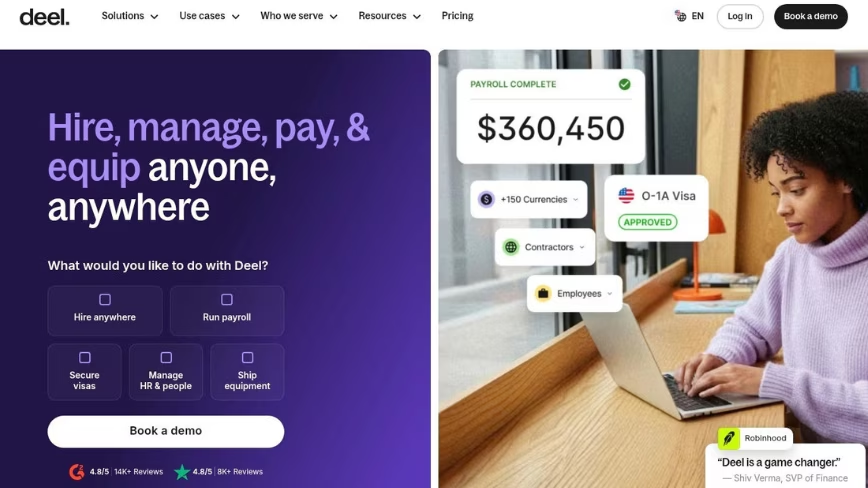
5. Deel
Credit: Deel
Best for: HR teams hiring employees and contractors across borders
Deel earns its place on an HR shortlist when hiring crosses borders. The platform acts as an Employer of Record in 150+ countries, which lets a company put someone on payroll abroad without opening a local entity, and it handles contractor payments in dozens of currencies. For an HR leader at a mid-market company adding a first overseas hire, Deel removes the legal setup that would otherwise stall the plan.
The trade-offs sit on the money side. Deel holds a strong 4.7 out of 5 across a base of more than 6,500 G2 reviews, yet the recurring complaints cluster around payment reliability and cost, with some reviewers also citing processing delays. Deel stays narrow by design: it isn’t a domestic HRIS, so a company using it for global hires still needs a core HR system for everyone at home.
Deel fits HR teams whose main gap is international employment rather than day-to-day people management. It pairs with a domestic platform rather than replacing one.
Highlight features:
Employer of Record in 150+ countries: Legal employment abroad without setting up local entities.
Global contractor payments: Payments in many currencies with flexible withdrawal options.
Localized compliance: Country-specific contracts kept current by in-house compliance specialists.
What it costs: Contractor management from about $49 per contractor per month; EOR pricing quote-based.
6. Workday
Credit: Workday
Best for: Large enterprises with complex, multinational HR and finance
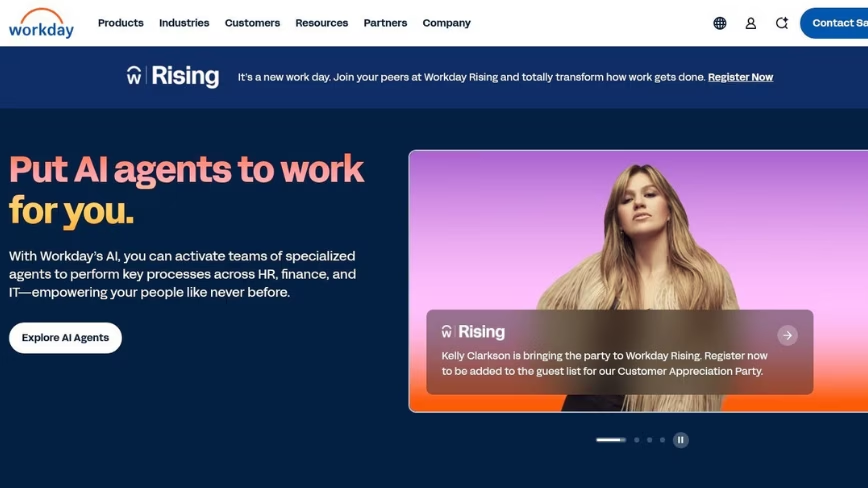
Workday plays at the top of the market, built for enterprises that run HR and finance on one data model across many countries. Its strength is depth: workforce planning and multi-entity financials sit in a single system that global companies use to steer thousands of employees. For an organization at that scale, Workday’s configurability is the draw.
That power comes with weight. Workday holds 4.1 on G2, where reviewers flag a demanding learning curve and an interface that lags more modern tools. Implementations often run several months and lean on dedicated consultants, and many enterprises keep full-time administrators to maintain the system. A mid-market HR team tends to find that overhead hard to justify.
Workday suits large, complex organizations with the budget and staff to run it. Growing companies often find it heavier than the job requires. Pricing is custom and enterprise-scaled.
Highlight features:
Unified HR-finance model: One data model spanning core HR, payroll, planning, and enterprise financials.
Workforce planning and analytics: Predictive analytics and planning tools for large workforces.
Global compliance: Multi-country coverage with region-specific labor and tax handling.
What it costs: Custom quote; enterprise-scaled and not published.
7. ADP Workforce Now
Credit: ADP Workforce Now
Best for: Mid-market and larger firms that want established payroll and compliance
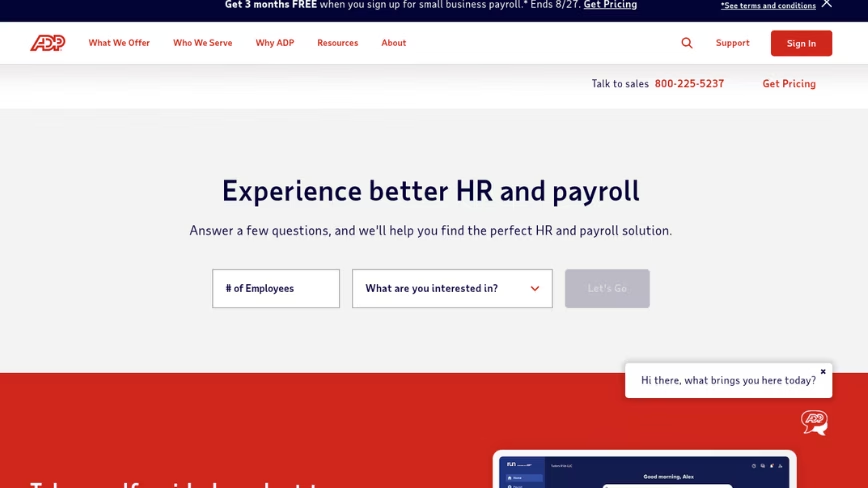
ADP has run payroll since 1949, and ADP Workforce Now is its platform for mid-market employers. The reliability argument is real: certified payroll professionals and deep compliance coverage back a service model that large organizations trust to get pay right at scale. For a company that prizes a proven payroll engine over modern design, ADP delivers.
Age shows in the experience: reviewers complain about a dated interface and menus that bury simple tasks. Its 4.2 on G2 sits alongside notes about support quality and limited customization. HR teams that expect a consumer-grade interface often find the platform a step behind newer systems.
ADP Workforce Now fits established firms that want payroll muscle and can live with older UX. Pricing is quote-based at every tier.
Highlight features:
Payroll and tax: Full-service payroll with AI-assisted error detection and automated tax compliance.
Benefits and compensation: Benefits administration with compensation benchmarking drawn from a large employee data set.
Compliance and reporting: Broad compliance support with configurable analytics dashboards.
What it costs: Custom quote; ADP doesn’t publish standard rates.
8. Paychex
Credit: Paychex
Best for: Established small businesses that want payroll with hands-on support
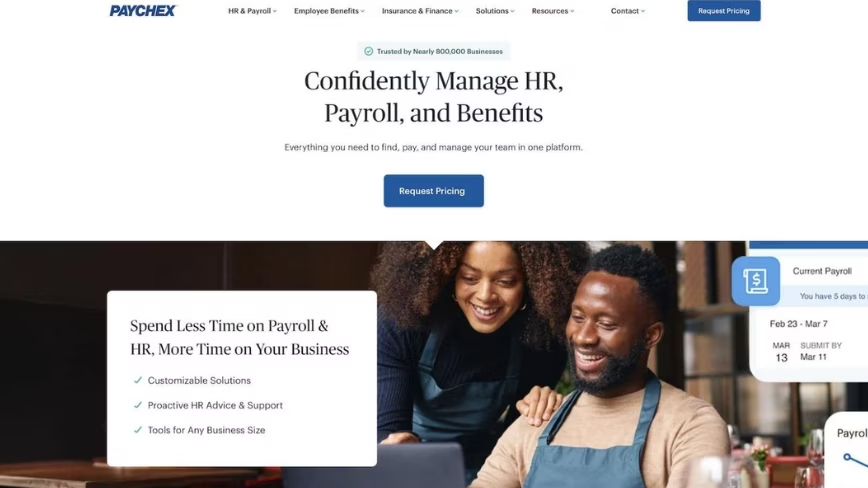
Paychex has served US payroll since 1971 and counts hundreds of thousands of clients, with dedicated payroll specialists as its calling card. Companies that would rather call a person than log into a self-service tool value that human model, and its PEO option lets small businesses hand off HR administration wholesale. Against Rippling’s automation-first approach, Paychex sells relationship and reliability.
The friction is service consistency and cost. Paychex holds 4.1 on G2, where reviewers report support responsiveness problems and billing frustrations, and some note that tax filing and accounting integrations carry extra fees that competitors fold into base pricing. Buyers watching total cost should price the add-ons before committing.
Paychex fits an established small business that wants payroll handled by a named contact. Growing HR teams that want a modern people platform tend to look elsewhere. Pricing is quote-based.
Highlight features:
Dedicated payroll specialists: A named contact who learns your payroll and answers questions without a queue.
Multi-state tax filing: Tax filing across all 50 states with compliance alerts.
PEO services: Full HR outsourcing through a co-employment model.
What it costs: Custom quote; Paychex prices by service tier.
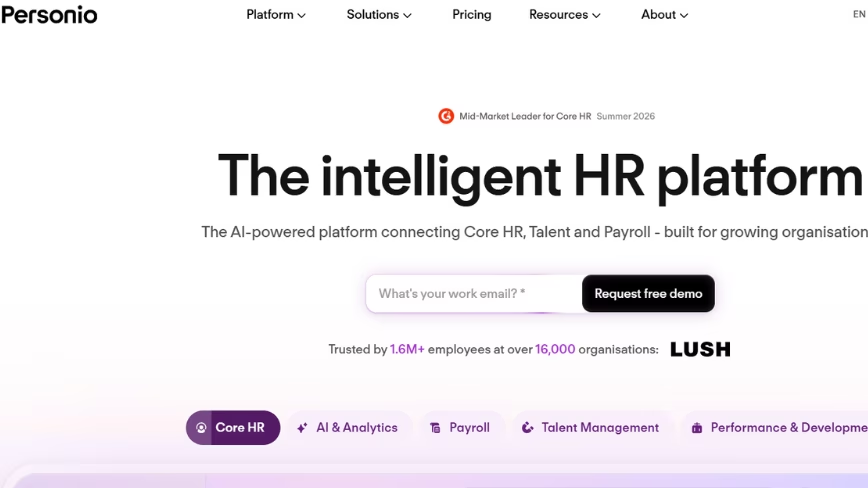
9. Personio
Best for: European SMBs consolidating core HR and recruiting
Personio grew up serving small and mid-sized companies across Europe, and it centralizes core HR and recruiting in one system tuned to regional compliance, with absence management built in. For a company whose workforce is concentrated in Europe, that local focus is a genuine advantage, and the applicant tracking tools give lean teams a recruiting workflow without a second vendor.
Reach and depth are the limits. Personio holds 4.4 out of 5 across a base of more than 800 G2 reviews, where reviewers cite feature gaps and shallow customization, and its strength thins outside Europe, where localization and advanced capabilities like workforce planning lag. A US-headquartered mid-market company tends to find the fit weaker than a European-first platform promises.
Personio suits European SMBs that want core HR and hiring together. Companies with heavy North American operations or advanced planning needs should weigh that gap. Pricing is quote-based.
Highlight features:
Core HR records: Centralized people data with role-based self-service.
Applicant tracking: Built-in recruiting from job posting to offer.
Absence and approvals: Configurable time-off and approval workflows.
What it costs: Custom quote; Personio doesn’t list public rates.
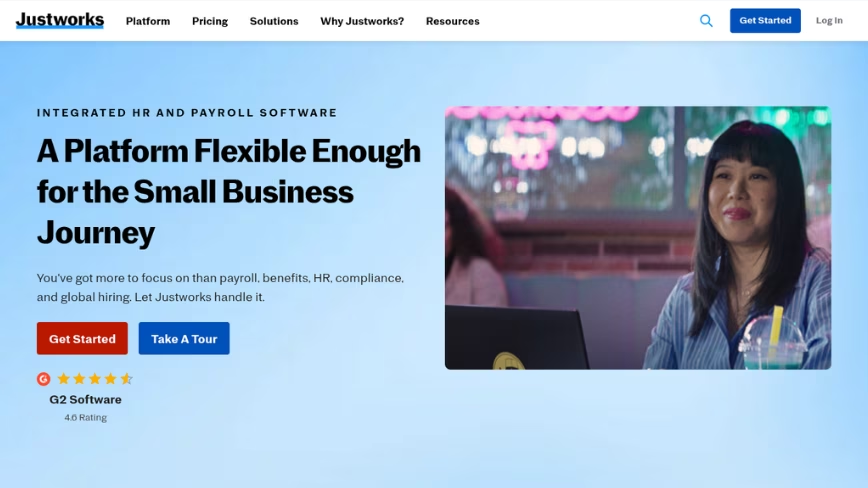
10. Justworks
Credit: Justworks
Best for: Small businesses that want a PEO to carry payroll and benefits
Justworks operates a professional employer organization model and becomes the co-employer that handles payroll, benefits, and compliance so a small business doesn’t have to staff those functions. The appeal is access and simplicity: through the PEO model, small teams reach benefits plans often reserved for larger employers, and the interface stays clean enough for owners without HR training.
The constraints match the model. Justworks holds 4.6 out of 5 across a base of more than 1,100 G2 reviews, with reviewers flagging missing features and integration limits as the company grows, alongside inconsistent support. A business that needs deep HR configurability or advanced talent tools tends to feel boxed in by the PEO structure.
Justworks fits a small business that wants payroll and benefits carried for it rather than a full people platform to run. Pricing is quote-based per employee.
Highlight features:
PEO payroll: Automated payroll for employees and contractors under a co-employment model.
Benefits access: Health, retirement, and other benefits at group rates.
Compliance support: Help meeting federal, state, and local employment rules.
What it costs: Custom quote; priced per employee under the PEO model.
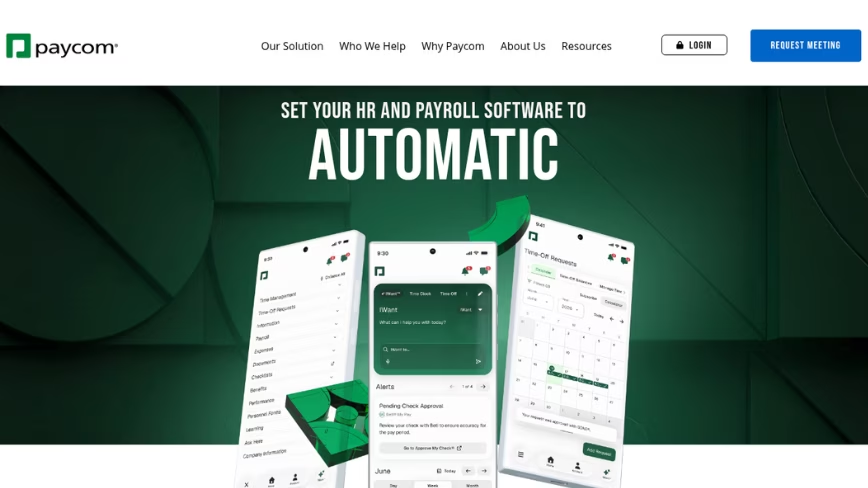
11. Paycom
Credit: Paycom
Best for: Mid-sized teams that want employees to drive their own payroll
Paycom runs payroll and HR from one shared database, and its signature idea is Beti, an employee-guided payroll tool that has staff review and fix their own paychecks before submission. That shift moves verification to the person who knows their pay best and cuts correction cycles for HR. For a mid-sized company that wants payroll accuracy with less admin chasing, the model has real appeal.
Adoption is the hurdle. Paycom holds 4.6 out of 5 across a base of more than 7,000 G2 reviews, yet reviewers note a steep learning curve, plus features that feel thin next to specialist tools, alongside support gaps. The single-database design also discourages outside integrations, so teams with a varied tech stack may face more manual data entry.
Paycom fits mid-sized organizations ready to push payroll tasks to employees and invest in onboarding the system. Pricing is quote-based.
Highlight features:
Employee-guided payroll (Beti): Staff verify and correct paychecks before payroll runs.
Talent management: Performance reviews with assigned training and progress tracking.
HR self-service: Mobile self-service for pay, tasks, and requests.
What it costs: Custom quote; Paycom prices by configuration.
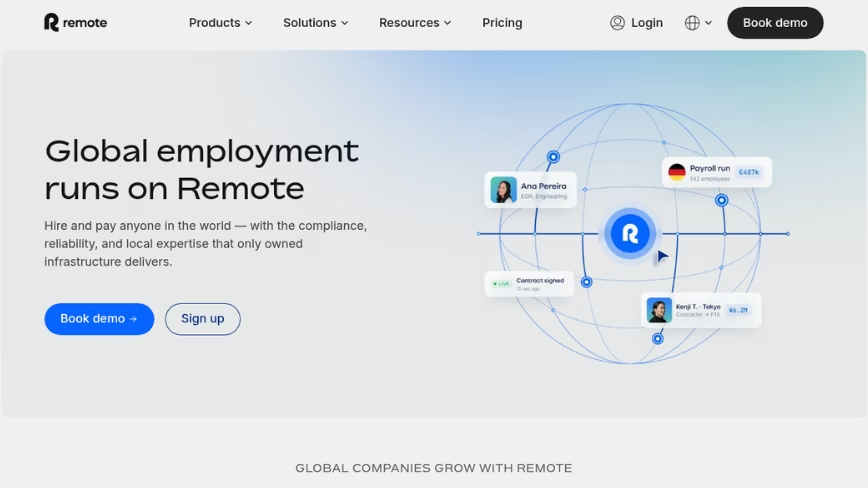
12. Remote
Credit: Remote
Best for: Distributed teams hiring worldwide through one Employer of Record
Remote closes the list as the global-hiring option for HR teams that run distributed workforces. Like Deel, it acts as an Employer of Record and manages contractors, letting a company employ people in countries where it holds no entity, with an emphasis on owning local infrastructure and protecting intellectual property across borders. For an HR leader building a remote-first team, it centralizes global employment in one place.
The caveats track its category. Remote holds 4.5 out of 5 across a base of more than 4,800 G2 reviews, where reviewers report support gaps and processing delays, with occasional payment issues. It also isn’t a domestic HR system, so a company still needs a core people platform for the wider organization.
Remote suits distributed teams whose priority is compliant global hiring rather than everyday HR administration. It complements a core HRIS instead of standing in for one. Pricing is quote-based.
Highlight features:
Employer of Record and contractors: Compliant employment and contractor management across many countries.
Global payroll: Consolidated international payroll in local currencies.
IP and compliance protection: Localized contracts with intellectual property safeguards.
What it costs: Custom quote; Remote prices per worker and service.
How to compare Rippling alternatives
Shortlisting gets easier once you name what you need before the demos start. These factors separate a genuine fit from a slick sales deck.
Match the tool to your real gap
Name the one or two problems you’re solving before you scope features. A team that needs engagement and performance shouldn’t pay for IT device management, and a company hiring abroad shouldn’t buy a domestic-only HRIS. The narrower your gap, the clearer the shortlist.
Weigh the employee experience
The best HR platform is the one employees open without help. Test the self-service flow and the mobile experience, then watch how a manager acts on survey results. If people struggle to request time off or read a pay stub, HR inherits the questions.
Price the whole thing, not the sticker
Module pricing hides the real number. Ask what the running total looks like once a company adds the tiers it needs, and get implementation fees and renewal increases in writing. A low base rate means little if the working configuration costs three times as much.
Check implementation and support
Ask how long rollout takes and who owns it. Some platforms go live in weeks; enterprise systems can run months and need consultants. Confirm whether employees can reach support or everything routes through an admin.
Test reporting against a real question
Bring a report you lean on, like headcount by department or a turnover trend, and ask the vendor to build it live. Strong analytics answer in minutes without an export to a spreadsheet.
Choosing the right Rippling alternative for your HR team
The through-line across these Rippling competitors is shape. Rippling bundles IT and finance around HR and prices each piece on its own; the alternatives here let you buy the people system without the infrastructure you won’t run. For most mid-market HR teams, that framing settles the choice.
Bob tops the list because it answers the exact reason buyers leave Rippling. It puts the people experience in the core rather than treating engagement as an add-on, and it scales from a growing team to a multinational without the IT-admin weight, going live in weeks rather than months. The honest trade is pricing quoted after a demo instead of listed on a page, plus a required Bob Core foundation. For a company that wants HR to feel modern and its data to live in one place, Bob is the strongest starting point among 2026 Rippling alternatives.
Rippling alternatives: common questions
What are the best alternatives to Rippling?
The strongest alternatives depend on the gap you’re filling. For an HR-first platform, Paylocity and BambooHR compete on core HR and payroll, while global hiring points toward Deel or Remote. Enterprises with heavy finance needs weigh Workday, and smaller teams lean on Gusto for payroll.
Who is Rippling’s biggest competitor?
No single name owns the title, since Rippling spans HR, IT, and payroll. On the HR side, Paylocity and BambooHR come up most in buyer comparisons, with ADP close behind. For teams leaving Rippling because they want people-first HR rather than an IT bundle, Bob is a frequent pick.
Why do HR teams leave Rippling?
Two reasons dominate. Rippling prices each module on its own, so an HR team ends up paying for IT and finance tools it won’t use, and reviewers point to a learning curve that takes effort to climb. Teams that want HR without the IT-admin layer tend to start looking for alternatives.
Is there a free Rippling alternative?
Most established HR platforms, Rippling included, don’t offer a genuine free tier; they price by quote or per employee. A few lightweight tools advertise free plans, though they cap features fast. For a growing mid-market company, the real question is value at scale, since a cheap tool you outgrow in a year costs more to replace.
Why is Rippling better than Workday?
For most small and mid-sized companies, Rippling is easier to deploy and lighter to run than Workday, which targets large enterprises and often needs months of implementation and dedicated administrators. Workday wins on enterprise depth in finance and planning. Rippling wins on speed and modern IT automation for smaller teams.
What are the top HR systems for mid-market companies?
Mid-market buyers weigh core HR, payroll, engagement, and analytics in one place. Paylocity and BambooHR show up on most lists, with Personio common in Europe, and Bob ranks near the top for teams that want a modern people experience with workforce planning and native US payroll in the same system. The right pick comes down to whether engagement and culture tools matter as much as payroll.
Rippling vs Deel: which fits an HR team better?
They solve different problems. Deel is built for hiring employees and contractors across borders through an Employer of Record, while Rippling is a broader HR-IT platform with global payroll added on. An HR team whose main gap is international hiring leans Deel; one that wants a domestic people platform looks at options like Bob or Paylocity instead.
How much does Rippling cost compared to alternatives?
Published analyses put Rippling’s core module around $8 per employee per month, with the working total between $25 and $50 once a company adds payroll and the other modules it needs. Most alternatives use custom quotes rather than public rates, so a direct comparison means requesting numbers for the exact configuration you need.
What’s the best HR-first alternative to Rippling?
For teams that want HR at the center rather than wrapped around IT, Bob stands out. It keeps engagement and people analytics in the core product, goes live in weeks, and scales from a growing company to a multinational. The catch is quote-based pricing and a required Bob Core foundation, so budget a demo into your evaluation.
Get the TNW newsletter
Get the most important tech news in your inbox each week.
Sponsored content. Not produced by the TNW newsroom and does not reflect the editorial stance of TNW. This listing is not an independent editorial ranking.



 Credit: © Nuthawut Somsuk / Getty Images via Canva.com