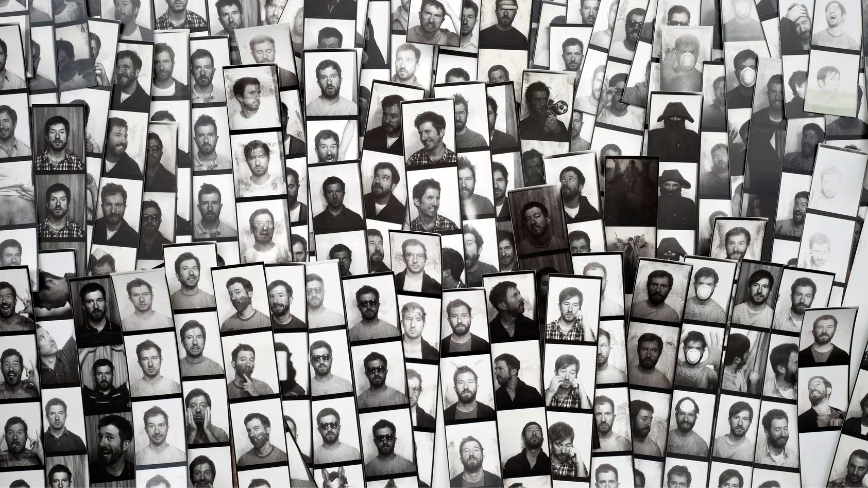
 Credit: Canva
Searches for “receipt photo booth” climbed more than 680% over the past year, and the category jumped from a niche TikTok trend to a real fixture in cafes, flagship stores, and brand activations. If you run a space or a marketing team, picking from the best receipt photobooths for commercial use now means weighing build quality, running cost, and whether the booth does anything once the photo prints. Most options stop at the print. A few keep working after the guest walks away.
So why pick a receipt photo booth over a standard one? The format is the hook. A receipt-style strip looks nothing like the glossy 4×6 prints people have seen at every wedding, and that novelty is what gets guests posting it to Instagram and TikTok. The prints run on cheap thermal paper, so a busy venue hands out hundreds a day without the per-print cost of a dye-sublimation printer. Each strip is small enough to tuck in a wallet or stick on a laptop, which keeps your name in front of the guest long after they leave. For a business, that mix of organic reach and low unit cost is the whole appeal, and it’s why the receipt format took off while traditional booths stayed flat.
That gap is real for commercial buyers. A receipt photo booth that prints a cute strip is a novelty. One that also captures the guest’s contact and drops every photo into a branded gallery becomes a marketing channel. This guide ranks seven commercial photobooth options by what they deliver in a working venue and where each one falls short.
What to look for in a commercial receipt photo booth
Buying for a business is different from buying for a single party. These factors separate a booth that earns its counter space from one that gathers dust.
Build quality and footprint
Commercial settings run a booth for hours every day. Look for a solid enclosure, a small footprint that fits a counter or shelf, and a finish that suits your interior. Imported shells and cardboard-grade kits wear fast under that load.
Running cost per roll
Thermal paper is the recurring expense. A booth that prints around 300 to 500 strips per roll at about a dollar a roll keeps unit economics sane in a busy space. Ask for the print count before you buy.
Branding and customization
For commercial use, the print is advertising. The booth should let you put your logo, frame, and messaging on every receipt, and carry that branding into the digital copy guests share.
Software and data
This is where most receipt booths stop and where the strongest ones pull ahead. Branded galleries, guest contact capture, and basic analytics turn a photo into a follow-up and a foot-traffic record. A booth with no software gives you a printout and nothing else.
Support and warranty
A DM-based seller or a free app leaves you on your own when hardware fails mid-event. A real company with support and a warranty protects the investment.
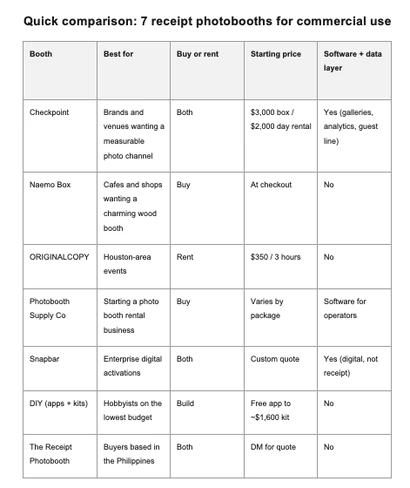
The 7 best receipt photobooths for commercial use
1. Checkpoint
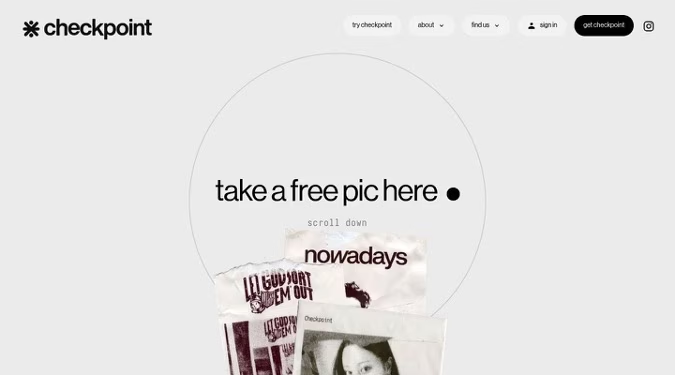
Best for: Brands and venues that want each photo to drive measurable reach.
Overview: Checkpoint is a compact photo box that prints branded photos on BPA-free thermal receipt paper, paired with software that turns each session into a gallery, a contact, and a data point. Built by the team at Future Primitive, it has logged more than 900,000 photos across 90-plus locations and activations for Lollapalooza, ComplexCon, Target, MoMA PS1, and HYBE. The box reads as a design object rather than a kiosk, with two finishes and a warm LED faceplate.
Key Features:
- Branded prints on BPA-free thermal receipt paper with custom logos, frames, and rotating messages
- Branded digital galleries that hand you a content library to repost
- Guest contact capture with an SMS and email line back to visitors
- Performance analytics showing who came through your space
- QR codes on every receipt that carry your branding into the digital copy guests post
- Two finishes (gallery white and natural birch) at 11.31″ W x 16.25″ H x 8.25″ D, 10 lbs
Pricing:
- Software: free to start, paid plans available
- Box: from $3,000, yours to keep
- Rental: from $2,000 per day
Pros:
- Only booth here that pairs a premium build with galleries, analytics, and a guest contact line
- Proven at scale with marquee brands and 900,000-plus prints
- Buy or rent, so venues and one-off activations both fit
- Branding follows the guest into their feed through the digital overlay
Cons:
- Premium price next to sub-$1,600 imports and free apps
- Broad shipping across the US and Canada rolls out through 2026, supply permitting
- Thermal prints fade over months, a trait shared across the category
A receipt becomes a marketing asset once you can see the guest behind it. Checkpoint’s gallery and analytics layer is what separates it from booths that hand over a strip and stop.
2. Naemo Box
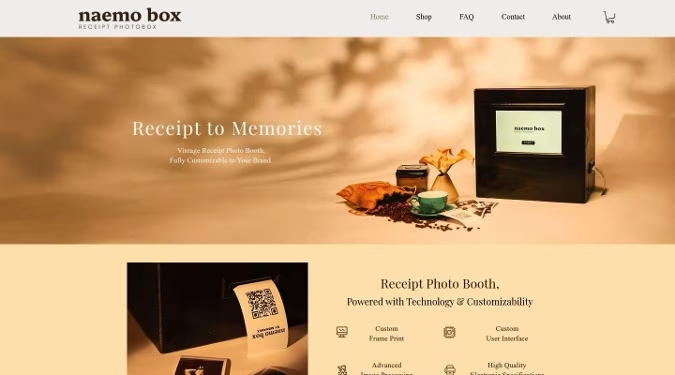
Best for: Cafes and retail shops that want a charming wood booth on the counter.
Overview: Naemo Box, from Korea’s Chalkak Studio, prints retro photo strips on receipt paper from a vintage pine-wood enclosure. It leans hard into aesthetics, with a walnut-style finish and custom frame and interface options, and it ships worldwide for cafes, pop-ups, and retail spaces.
Key Features:
- Pine-wood booth measuring 40 x 30 x 40 cm
- Tablet plus thermal printer with advanced image processing
- Custom print frames and a custom user interface
- 80mm thermal paper at about 300 to 500 strips per roll, near a dollar a roll
- Worldwide shipping with setup guides
Pricing:
- Priced at product-page checkout (not published on the marketing pages)
Pros:
- Strong wood aesthetic that suits design-forward interiors
- Real e-commerce site with documented setup and support
- Low running cost per roll
Cons:
- No software or data layer, so no galleries, analytics, or contact capture
- Wood units need care and show natural marks over time
- Thermal prints fade, and pricing stays hidden until checkout
3. ORIGINALCOPY
Best for: Brand activations and personal events in the Houston area.
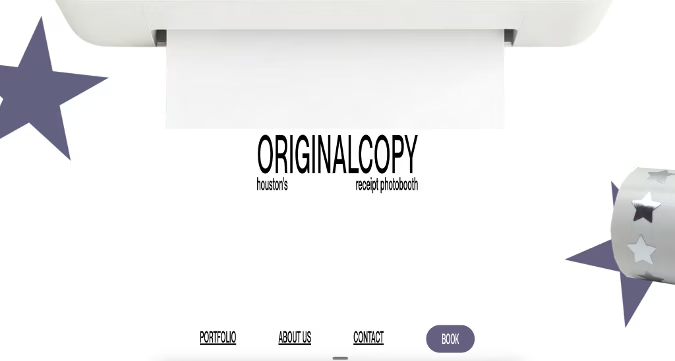
Overview: ORIGINALCOPY is a Houston rental service built around the receipt photo concept, serving grand openings, brand activations, and weddings with standard or custom photoframes. It carries a strong local brand story, born from a founder’s trip to Copenhagen, and prices itself for community events.
Key Features:
- On-site receipt photo booth rental for events
- Standard or custom photoframes
- Custom photoholders as an add-on
- Local Houston portfolio across cafes and campus events
Pricing:
- From $350 for 3 hours of unlimited printing
- Photoholders at $1.05 to $1.25 each
Pros:
- Affordable event rate with unlimited prints
- Custom frame options for brand moments
- Personable local service
Cons:
- Houston-only, with no national footprint
- Rental-only, so there’s no unit to own and run daily
- No software, galleries, or analytics behind the prints
4. Photobooth Supply Co
Best for: Operators who want to start a photo booth rental business.
Note: not a receipt photobooth. Photobooth Supply Co sells traditional 4×6 print booths, included here as the established commercial alternative.
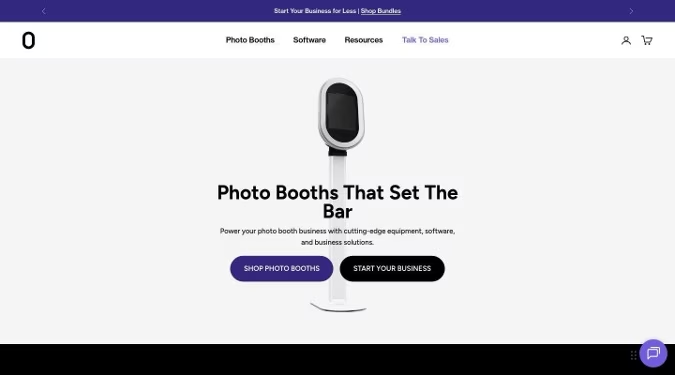
Overview: Photobooth Supply Co equips entrepreneurs with premium booth hardware, software, and financing to launch a rental company. Its Salsa booth and operator tools have strong owner-revenue testimonials, and the brand sits among the better-known names in the wider photo booth market.
Key Features:
- Salsa booth hardware aimed at rental operators
- Booth software for bookings and operations
- Financing and a quick-start business program
- Established support and owner community
Pricing:
- Varies by hardware and package
Pros:
- Mature ecosystem for building a rental business
- Financing lowers the entry barrier
- Documented operator success stories
Cons:
- Prints standard 4×6 photos, not the receipt keepsake guests are searching for
- Built for traveling rental operators rather than venues that want a fixed branded booth
- Larger footprint and higher all-in cost than a compact receipt box
5. Snapbar
Best for: Enterprise teams running digital-first brand activations.
Note: not a receipt photobooth. Snapbar runs digital and AI photo experiences, included here for marketing teams comparing data-driven options.
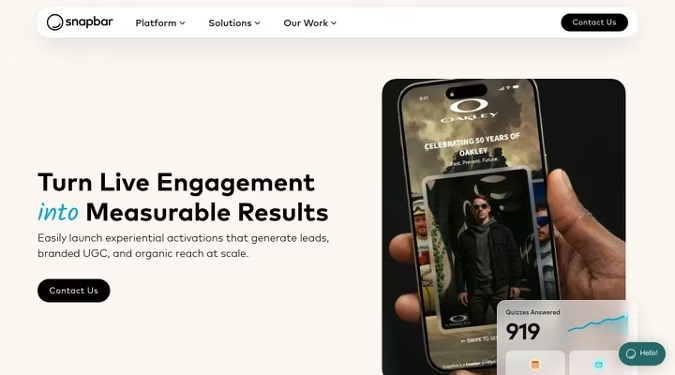
Overview: Snapbar is an experiential-marketing platform spanning AI photo booths, digital booths, and corporate headshots, with lead capture and branded sharing at its core. Its pitch centers on measurable reach and on turning live moments into follow-up, which overlaps Checkpoint’s data angle without the physical receipt.
Key Features:
- Digital and AI photo experiences for activations
- Lead capture with email follow-up
- Branded sharing for organic reach
- Campaign analytics for enterprise teams
Pricing:
- Custom quote based on the activation
Pros:
- Strong lead-capture and analytics tooling
- Built for large, branded events
- Flexible digital formats
Cons:
- Screen and digital-first, with no physical receipt keepsake to take home
- No compact, ownable box for everyday placement in a venue
- Custom pricing means less transparency for smaller buyers
6. DIY (apps and generic kits)
Best for: Hobbyists building something on the lowest possible budget.
Overview: The roll-your-own route covers receipt photobooth apps like SK Receipt Photobooth, generic wooden kits from Alibaba, AliExpress, and Etsy, and the scanner-plus-thermal-printer builds people share on Reddit. The appeal is price. The catch is that you become the manufacturer, integrator, and support desk.
Key Features:
- Apps that drive a 58mm or 80mm thermal printer from a tablet
- Generic wooden shells in the $550 to $1,600 range
- Bring-your-own tablet and printer
- Basic black-and-white thermal output
Pricing:
- Free, ad-supported apps with paid tiers, up to about $1,600 for a generic kit
Pros:
- Lowest upfront cost in the category
- Flexible choice of hardware parts
Cons:
- You assemble, integrate, and support the whole thing yourself
- Generic, unbranded look that reads as low-budget on a commercial counter
- App tiers often run Android-only and black-and-white with ads
- No galleries, analytics, warranty, or support, and reliability swings with the parts you buy
7. The Receipt Photobooth
Best for: Buyers based in the Philippines.
Overview: The Receipt Photobooth went viral on Instagram and TikTok as an early receipt booth, and it sells and rents an all-in bundle for cafes and events. Its bio names it the first receipt photobooth in the Philippines, and sales run through direct messages rather than a storefront, which limits its reach for US commercial buyers.
Key Features:
- All-in bundle with enclosure, tablet, thermal printer, and paper rolls
- QR code for a digital copy of each photo
- Sale or rental options
- Heavy social presence with brand-tagged events
Pricing:
- Quoted over direct message
Pros:
- Strong social momentum and event examples
- Bundled package covers the hardware you need
- Sale or rental flexibility
Cons:
- Philippines-only supplier, so US venues face shipping and support gaps
- No real website or e-commerce, with sales and support through DMs
- Generic hardware and no analytics or branded gallery layer
Choosing the best receipt photobooth for commercial use in 2026
The receipt photo booth market splits into two camps. Most options, from charming wood boxes to free apps, give you a print and leave it there. A short list keeps working after the photo drops. For a business, that difference decides whether the booth pays for itself.
Checkpoint earns the top spot because it treats the receipt as the start of the relationship, not the end. The branded gallery, the guest contact line, and the analytics turn a counter novelty into reach you can measure, and the brand-activation track record shows it holds up in demanding rooms. Naemo Box and ORIGINALCOPY suit buyers who want the aesthetic or a local rental and don’t need the data. The rest fit narrower cases, from rental operators to the lowest-budget DIY tinkerer. Match the booth to what you need after the print, and the right pick gets obvious.
Frequently asked questions
What is a receipt photo booth?
A receipt photo booth is a compact booth that snaps a photo and prints it on thermal receipt paper as a take-home keepsake, often with a QR code for a digital copy. The format took off because the prints feel nostalgic and guests post them. Commercial versions add branding and software on top, so a business gets a real marketing return from each print instead of a one-off novelty.
Are receipt photo booths profitable for a business?
They can be, because running costs are low and the prints drive organic social posts that bring people in. A roll prints hundreds of strips for around a dollar, so the math favors high-traffic spaces. Booths that capture guest contacts and analytics add a measurable return on top of the walk-in novelty, which is what makes the commercial models worth their higher price.
How much does a commercial receipt photo booth cost?
Prices range from free apps and sub-$1,600 generic kits up to premium booths around $3,000 to buy. Checkpoint starts at $3,000 for the box with software free to start, or about $2,000 a day to rent. Cheaper routes save money upfront and cost you in build quality, branding, and support.
Do thermal receipt photo prints fade?
Yes. Thermal prints fade over months, and most last somewhere between six months and a couple of years depending on paper quality and exposure to heat or sunlight. The QR-linked digital copy solves the permanence problem, which is why galleries matter for a commercial booth.
Should a business rent or buy a receipt photo booth?
Rent for one-off activations and events, and buy if you want a fixed fixture that runs in your space every day. Checkpoint offers both, with rentals from $2,000 a day and a box from $3,000 to own. Rental-only services like ORIGINALCOPY work for a single event but give you nothing to keep.
What do you need to operate a receipt photo booth?
Most booths need power, a stable Wi-Fi connection, and the right thermal paper, and that’s about it. Checkpoint runs on 3⅛-inch thermal paper and sets up on a counter or shelf in minutes. DIY routes ask more of you, since you supply and configure the tablet and printer yourself.
Which receipt photo booth is best for brand activations?
For brand activations, the booth needs branding on the print, a branded digital share, and data on who engaged. Checkpoint covers all three and has run activations for Lollapalooza, ComplexCon, and Target. Snapbar is a digital alternative for teams that don’t need the physical receipt.
Get the TNW newsletter
Get the most important tech news in your inbox each week.
Sponsored content. Not produced by the TNW newsroom and does not reflect the editorial stance of TNW. This listing is not an independent editorial ranking.


