
roberto baldwin web
Sharing Dropbox files and folders via the Web interface has always been a bit wonky. You select the folder, then navigate to the top of the list and click share. Or you can right-click on the file or folder and select share from the contextual menu. If only there was a button. Well now there is.
Today Dropbox introduced a new Share button to its Web interface. Now you can just hover your mouse over a file or folder and a share button appears. From the button you can invite people to collaborate on a file or send a view-only link.
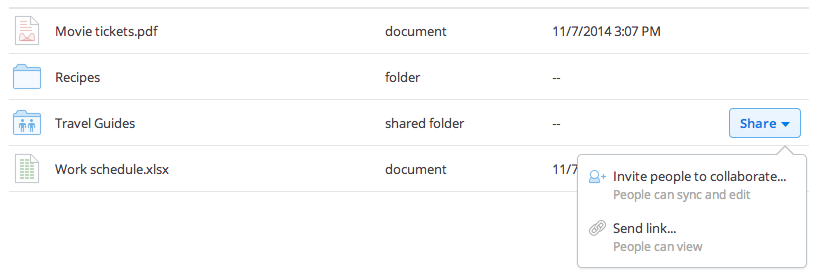
➤ Sharing just got a little simpler [Dropbox]
Get the TNW newsletter
Get the most important tech news in your inbox each week.
Also tagged with


