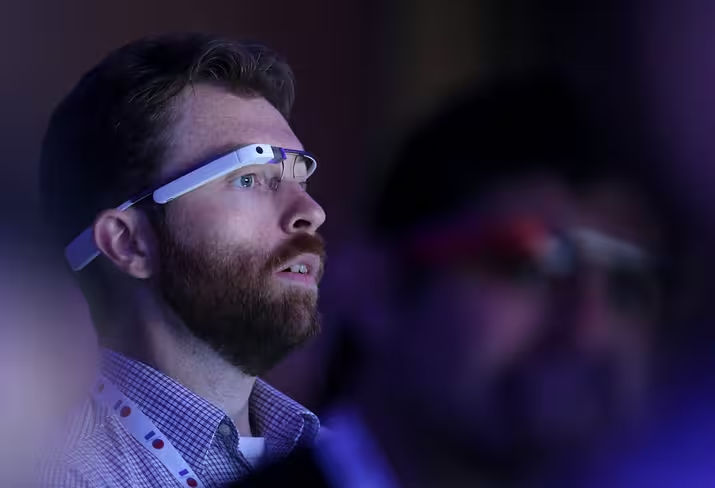
SAN FRANCISCO, CA – MAY 15: during the opening keynote at the Google I/O developers conference on May 15, 2013 in San Francisco, California. Thousands are expected to attend the 2013 Google I/O developers conference that runs through May 17. (Photo by Justin Sullivan/Getty Images)
 Credit: Justin Sullivan
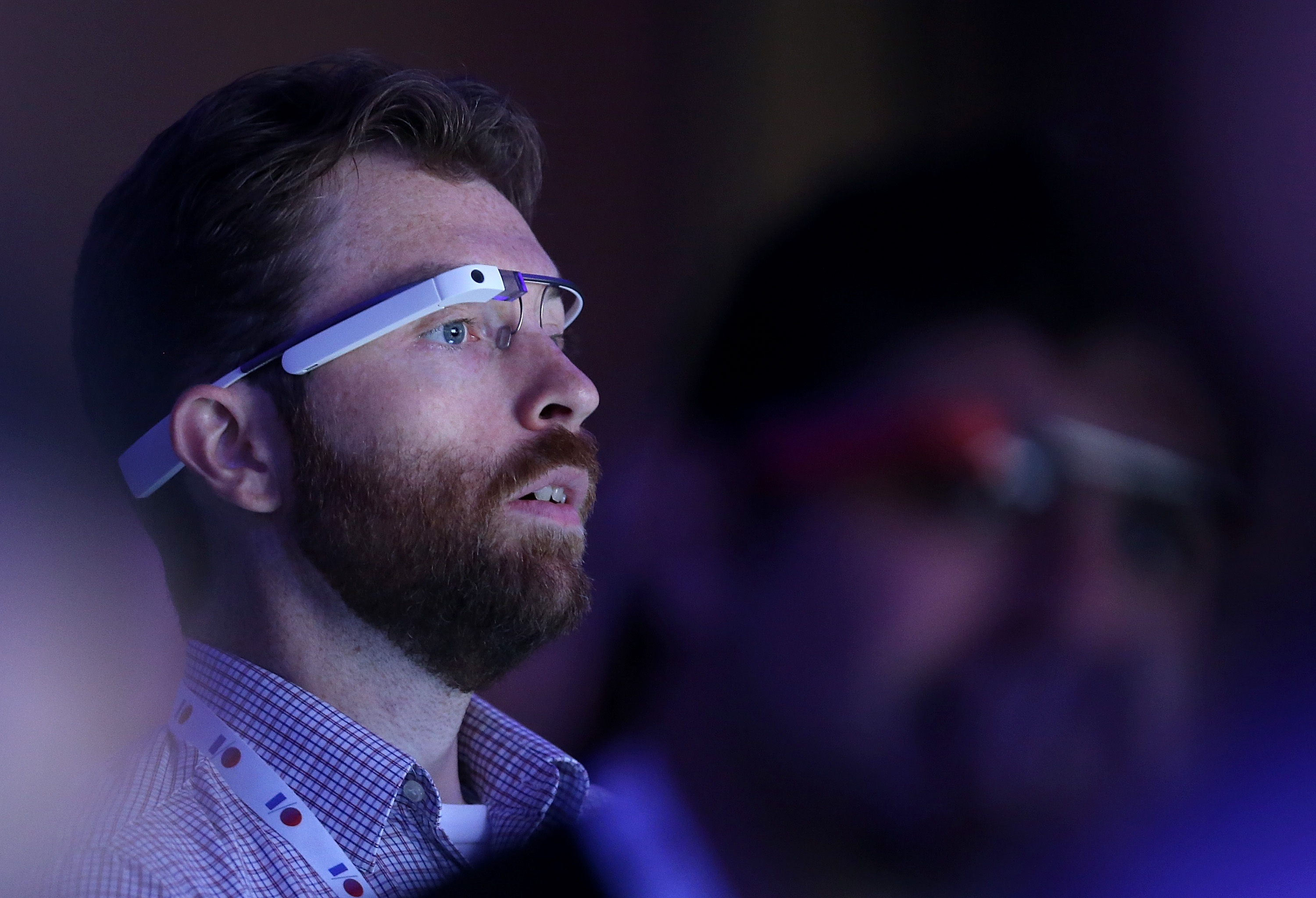
Grappling with the small touchpad fitted on the side of Google Glass can be a little frustrating and inelegant. Likewise, shouting ‘okay Glass’ isn’t always suitable in a public place. Never fear: an update to the MyGlass companion app now lets you control the futuristic eyewear with your Android device.
The feature leverages the app’s screencast feature. It was originally intended to help users set up and configure Glass; so if you wanted your old man to give them a whirl, you could easily take them through the interface and commands.
The changelog in the Google Play Store says users can now touch swipe and tap to control the Glass UI through the MyGlass screencasting experience. That’s not only helpful for showing other people the potential of Glass, but also invaluable when using the device yourself. So if you’re in the local library and don’t fancy uttering ‘okay Glass’ (and probably getting thrown out) this is the solution.
➤ MyGlass | Android (via Engadget | The Verge)
Image Credit: Justin Sullivan/Getty Images
Get the TNW newsletter
Get the most important tech news in your inbox each week.
Also tagged with


