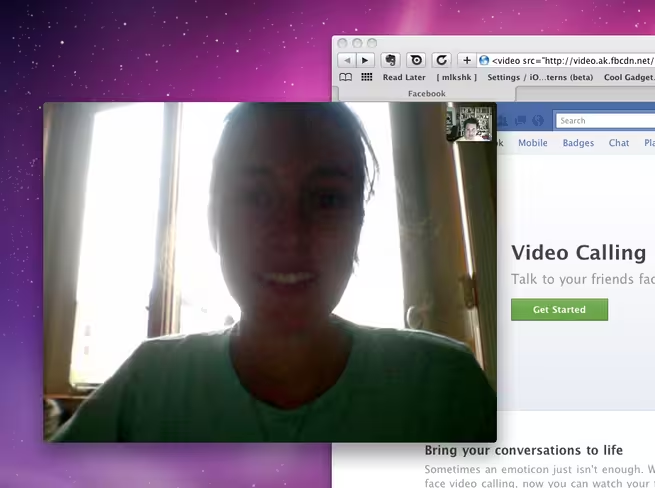
Facebook has announced Video Calling and group chat, along with other improvements to Messages. Video Calling will be available to everyone over the next few weeks, but if you don’t want to wait, you can get it now.
To start video calling now, visit this page on Facebook and click Get Started.

Once you’ve clicked the button, Facebook will lead you through the process of starting to use Video Calling. First, you’ll need to install an app, this may require that you allow it in your browser.
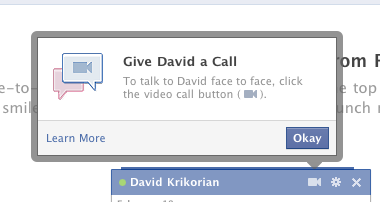
Once you’ve got it installed, you can request a chat with any available friend by starting a chat and clicking on the video camera icon.
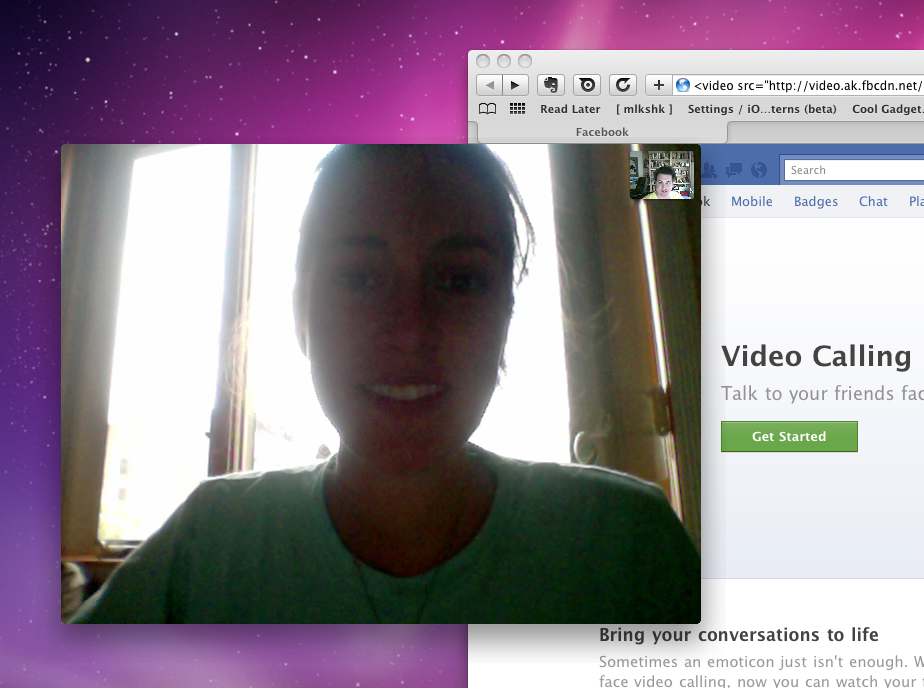
Your friend will need to install the Video Calling app as well, once they have, you can start chatting!
If your friend is unavailable, you can record a video message to let them know you tried to reach them.
Once you’ve tried out Video Calling, let us know how your call quality and overall experience was in the comments below!


The link doesn’t work.
still can’t believe it I paid $32.67 for a XBOX 360 and my mom got a 17 inch Toshiba laptop for $94.83 being delivered to our house tomorrow by FedEX. I will never again pay expensive retail prices at stores. I even sold a 46 inch HDTV to my boss for $650 and it only cost me $52.78 to get. Here is the website we using to get all this stuff, BidsNew.com
brilliant down loaded, found a friend called and got the message the software that runs video calling is temporarily unavailable, hang i will notify the help desk, oh there isn’t one!
Really an awesome features :) you can get the tutorial from this link
http://softwarebuzzer.com/2011/07/how-to-enable-facebook-video-calling/
Not working on OS X Lion…
testing
Read more about the Facebook- Skype partnership here: http://t.co/fRH9RXi
For those on Lion GM Seed check out this link for instructions to get it working. http://www.besttechie.net/2011/07/06/how-to-set-up-facebook-video-calling-on-lion/
Downloaded the app, installed it, allowed my browser to run it… but everytime I want to call a friend (online) using the “video camera” button, it keeps taking me back to install the app… maybe thinking its a windows 7 mission again
is there really a message recording feature? I can’t seem to find it. :
i mean, video message?
why is it ,when i tried to call my friend , always showed up the setup for video calling …but i’m already installed it..i’ll already try and use Video call but after a while its not working…always showed up the installation setup..what should i do ??
@Dwight Sheasby yeah… we have the same problem , go back from installation…
that’s the exact problem i’m also encountering right now..poor apps! they need to debug it first.
@Dwight Sheasby yeah me too, i already installed it and then iu’m gonna click run.. so it’ll load and then it’ll disappear. -_-
hie
hello
hi
Not working for me. -_-
all problems i encountered has been listed. of all followers….
all the procedures I have done but still not working…………..
enlightenment please………????
facebook video is not working for me!,,please help me plssss………….
facebook video call is not working here…….please help us
this thing is not working for me every time i go to the setup it says” videocalling comeing soon check bck later” plz help me
hi!
hi!
I tried the video calling and it has worked great. I tried a call and the person wasn’t available. It asked if I wanted to leave a video message. I did and now she can’t find out how to view it.