Apple’s iPad 3 is set to launch next week and all signs point to it having a Retina display running at 2048×1536 pixels. This should provide a clearer, sharper image to most users and will display many applications in a fantastic new light, as long as developers have prepared them properly.
But the necessity to include these images may present a problem with the mandatory 20MB file size limit that Apple has imposed on 3G downloads.
In order to do so, they will have to include ‘@2x’ graphics. These are image files that have been quadrupled in pixel count in order to display properly on the newer double-resolution iPad 3 screen. If these images were not included, then many of the apps that use custom graphics, like Tweetbot, or Bjango’s Consume 2, would look ‘blurrier’ than they do on the iPad 2.
That’s not a huge problem for most developers, as many have actually begun to produce these higher resolution images already, from their original assets. The issue comes when they begin to include them into the apps that they submit to the App Store.
Due to the sizes of the images, apps that use custom graphics could double in size, pushing many that are just under Apple’s 20MB download limit for 3G connections right over the top.
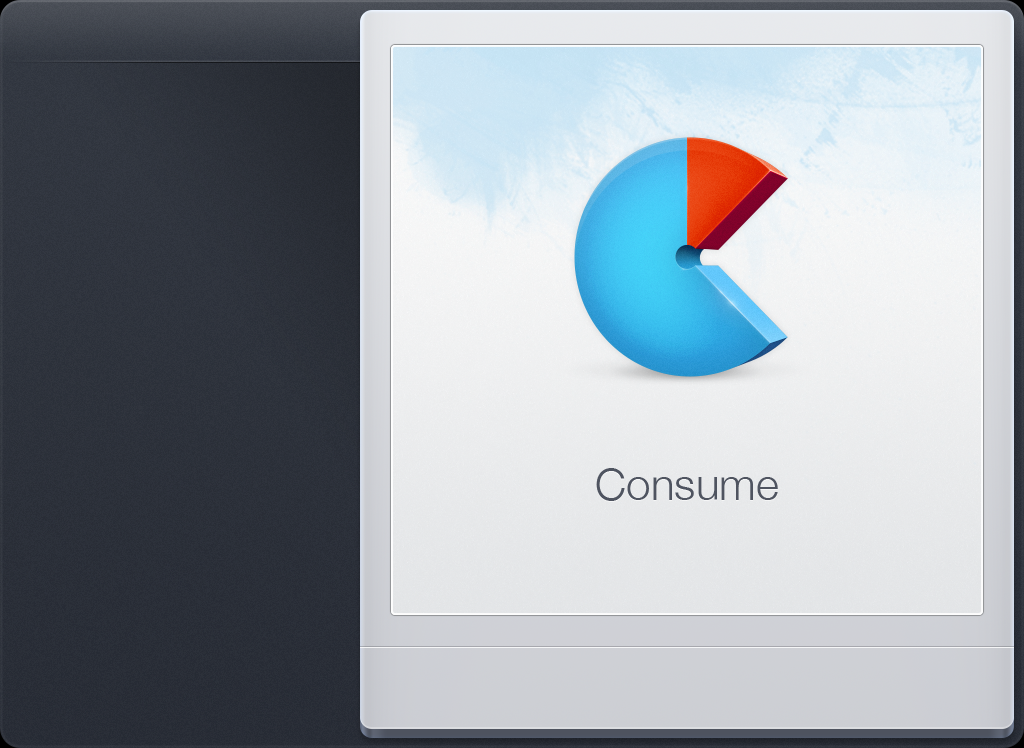
To give you an idea, we asked Bjango’s Marc Edwards about how the new Retina graphics would affect the size of one of its latest apps, Consume. He gave us these statistics regarding the app’s packages:
- iPhone (Retina and non-Retina), iPad (non-Retina) = 18.3MB
- iPhone (Retina and non-Retina), iPad (Retina and non-Retina) = ~35MB
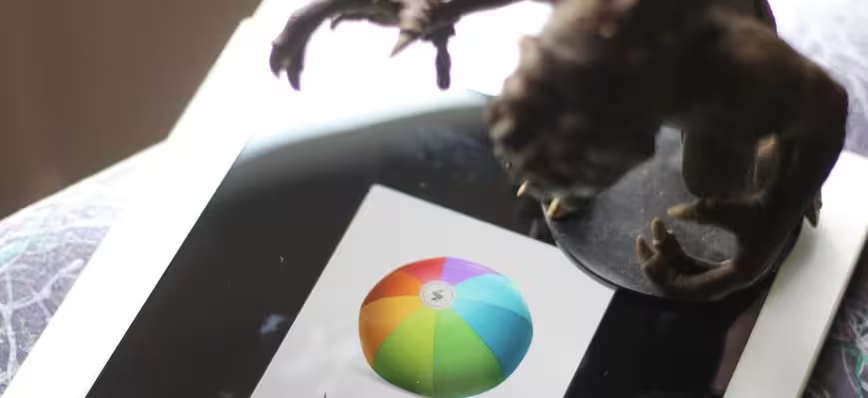
If, by the way, you’re a developer looking to work with Retina assets now, check out Bjango’s Skala Preview, which has support for a 200% draw size, letting you view Retina images on a non-retina device. The app’s icon demonstrates the relative size difference well:
![]()
![]()
We couldn’t even upload the default loading image of Consume into WordPress because it is too large. You can download it here and the ‘regular’ non-Retina version of it here if you’d like to compare the sizes yourself.
This causes a problem mostly for universal apps that are offered as a single download for both iPhone and iPad. See, on an iPhone the impact of the casual downloader, who sees an app and has to have it right then, cannot be discounted. These users probably grab the majority of their apps over their 3G connection on an impulse.
In order for them to do this, the apps must come in under the 20MB limit that Apple imposes on apps. Otherwise they face a loss in downloads that many developers say could be significant. Most do everything in their power to come in under that limit if at all possible.
Not every app will be affected by this, obviously. Some simply won’t go over the limit at all due to to their use of mostly standard Apple interface elements and some offer their apps as separate downloads for iPhone and iPad. Only the iPad versions would be affected by the size increase and the iPhone clients would not take the ‘impulse download’ hit in popularity.
Tapbots developer Paul Haddad — who sparked a lot of discussion about the issue on Twitter today — says that it is lucky, because its popular Twitter client Tweetbot for iPad will be well over the 20MB limit, but the iPhone client is offered as a separate download. It is already Retina-ready, obviously, and will not go over the limit as they will not have to include the larger graphics.
But those who offer universal apps, this could be a sticky issue. If they want to retain those impulse downloads and not limit users to a WiFi download only, they might have to split their apps into two binaries, one explicitly for the iPhone and one for the iPad, where the cell network impulse buy isn’t a major factor.
Historically, the 20MB limit was actually an increase from the original 10MB size that Apple had imposed ostensibly due to pressure from then-exclusive partner AT&T. It was increased in February of 2010 just after the original iPad was announced.
So there is always a possibility that Apple may increase the 3G download cap around the time it introduces the iPad 3 next week. But, according to some basic data from Edwards, the cap would need to be increased by somewhere around 273%, not just double. That would put it somewhere around 60MB, if we’re rounding.
So, there is definitely some food for thought for developers here and a couple of looming questions. Will they split their universal binaries to keep the impulse buyer downloads, or bite the bullet and hope that Apple increases the cap up to 60MB? Or will they attempt to winnow down the size of their apps by tweaking existing assets or removing them? It could mean the difference between a successful launch and not for many, especially those who have apps that rely on custom graphics.
With AT&T aggressively throttling presumably ‘unlimited’ customers and increasing their data download rates all the time, it’s unlikely that they would like a cap increase much. But, now that Apple is on three major carriers in the US and hundreds more worldwide, isn’t it time it used its leverage to get the limit bumped up yet again?
This issue should be an interesting one to watch.
Keep up with all the latest Apple news at TNW Apple.


....I'm lost. There are SO many apps well over 20mb right now. The game Starfront alone is 1.2gb....why is this a big deal right now, not a year ago?
- spam
- offensive
- disagree
- off topic
LikeRelated to this: I'm also concerned that any increase in overall App file sizes, that could be the result of rumored Retina display, will impact the total number of apps one can have installed depending on storage capacity - maybe more an issue for iPad and iPad 2 if they bump up GBs. Does this concern seem valid?
- spam
- offensive
- disagree
- off topic
LikeThis is the cost of relatively pointless increases in screen resolution. The video played on these devices is so compressed that you're not going to get anywhere near real HD resolution in it, so what's the payoff? You have memory costs, performance costs, battery-life costs... all to "improve" resolution that was already sufficient.
A far, far bigger advance would getting rid of the idiotic glossy screen.
- spam
- offensive
- disagree
- off topic
Like> If these images were not included, then many of the apps that use custom
> graphics, like Tweetbot, or Bjango’s Consume 2, would look ‘blurrier’
> than they do on the iPad 2.
No, that is factually incorrect. If the developer does nothing, their app will look 100% exactly the same on both iPad 3 and iPad 2. That is the whole point of Retina Display. From a developer perspective, Retina Display is a 100% optional enhancement. If the developer does nothing, the graphics in their apps look exactly the same.
There is no gun to the developer's head. None. That is the beauty of the way Apple designed their high-res transition. They stayed at low-res a little longer, ignoring medium-res, and then they are taking each product up to high-res all at once with a 4x pixel jump in a generation. That enables the new screen to light a 4 pixel square and emulate 1 pixel of the old display precisely. The new display essentially has a "classic display mode" it goes into automatically when you make it show graphics that were made for the previous generation of that device. Those graphics all cause the new display to light up 4 pixels where the previous generation device lit up 1.
Apps will always get bigger going forward. The download limit was 10 GB for a couple of years and now it has been 20 GB for a couple of years. It would not be surprising at all to see it go up to 30 GB for the next 2 years. If your app is 18 GB right now then
- spam
- offensive
- disagree
- off topic
Likehamranhansenhansen You don't really understand graphics or resolution, if a developer doesn't alter their images for the iPad 3/HD then they will look nasty and jaggy, showing a 1024x786 image stretched on to a 2048×1536 screen will look horrible.
- spam
- offensive
- disagree
- off topic
Likehamranhansenhansen Sorry, but I have to stick by my explanation and so does every developer I've talked to.
- spam
- offensive
- disagree
- off topic
LikeMatthew Panzarino hamranhansenhansen I'm a developer, and I can tell you, non-RD graphics on an RD display is blurry. I've had bug reports about this and I've seen it myself.
- spam
- offensive
- disagree
- off topic
LikeI've been wondering about this myself. It kind of starts to kickstart a debate on whether Universal apps are worth it or not. It's kind of silly if someone on a 3GS can't download an app on account the iPad Retina graphics pushed it over the limit.Although, one of my friends did link me to this rather curious article; saving all of the app assets as vectors in PDF, and getting the iOS device to generate bitmaps off them at the correct pixel density on the fly: http://mattgemmell.com/2012/02/10/using-pdf-images-in-ios-apps/I'm testing this out in my own app I'm developing now. it certainly would fix the 'having to have 4 copies of every asset' problem. The only issue I can possibly see with it is speed...
- spam
- offensive
- disagree
- off topic
LikeTim Oliver That is not a good strategy because there are only 4 screens: the low-res and high-res 3.5, and the low-res and high-res 10. So you render your buttons 4 times on your powerful development system before the app ships rather than rendering them millions of times on the low-power ARM devices, in between what the user is asking your app to do.
Those 4 screens are likely to take us to 1 billion iOS devices. It is not asking too much to branch your graphics 4 ways to run native apps on 1 billon devices.
And then, the second billion may only have 2 screens: 3.5 inch or 10 inch Retina.
So there is no crisis about how to make the buttons in your apps. You make them at the size you would need to make them to support both Retina Displays, then when you are done, you export out both full-size and half-size versions. The half-size versions support the low-res screens. Very basic graphic arts problem.
Vectors are a great way to support infinite scaling. If you don't know what size your graphic will be rendered at, the vector is like a recipe that can be used to cook up the right-sized graphic. However, in the case of iOS development, we know what size the graphics are rendering at, and we are deliberately pre-rendering for speed.
- spam
- offensive
- disagree
- off topic
Likehamranhansenhansen Well said. I completely agree with every last bit of it, especially "in the case of iOS development, we know what size the graphics are rendering at, and we are deliberately pre-rendering for speed".
That's the answer really. Prerender images using whichever tools you want to use, then deliver production assets in the most efficient way possible. Brilliant.
It's worth noting that this only an issue because we're in transition. Eventually most (all?!) displays will be around 300PPI, so we won't have the need for multiple sets of assets. On iOS, Android, Metro and other modern OSes, anyway.
- spam
- offensive
- disagree
- off topic
LikeWhat about 2D/3D upscaling? How is it?
- spam
- offensive
- disagree
- off topic
LikeWilhem Pujar It is perfect because the new screen has 4 pixels in place of every 1 pixel on the previous screen. Therefore, an app designed for iPad 2 looks 100% exactly the same on iPad 3, or in some cases some features like text look better. Nothing looks worse. Absolutely nothing. That is the whole idea of the Retina Display design.
- spam
- offensive
- disagree
- off topic
Likehamranhansenhansen Wilhem Pujar
He asked about 2-D and 3-D.
Which is mystifying...
- spam
- offensive
- disagree
- off topic
LikeYou have to consider that iPad weights a lot more heavily towards in-home use where people have WiFi. Most of the iPads sold are the $500 versions that don't even have 3G in the first place, so people are accustomed to downloading apps at home.
- spam
- offensive
- disagree
- off topic
LikeJon As I tried to make clear in the article, thE problem isn't iPad-only apps, it is universal apps. With a universal binary, you're stuck downloading assets for a retina iPad 3 even though you might only be downloading it (and using it) on your iPhone.
- spam
- offensive
- disagree
- off topic
LikeI do not understand how tech journalists get their licenses to write. It seems like they are incapable of critical thinking.
Have you heard of LTE? And that it's coming with the iPad 3? You know what LTE does? It lets you download stuff faster. As in downloading 40MB feels like 20MB compared to 3G. As in, when Apple increases the 3G cap to 40~MB, it will take just as long as, if not shorter, to download retina iPad apps.
- spam
- offensive
- disagree
- off topic
Likeokungnyo The only issue is "When Apple increases the 3G cap to 40~MB" and LTE... both are unavailable today, and may not be available on the iPad 3. Also, LTE rollout isn't in all cities or all counties.
- spam
- offensive
- disagree
- off topic
Likeokungnyo Can you not read the title—you know, the part that says: "3G download limit"? Is this a speculative post on LTE?
- spam
- offensive
- disagree
- off topic
Likeokungnyo
How is this a writing problem? The writing on here is fine.
First of all, you don't know the iPad 3 has LTE. You also don't know where LTE is going to be available and when. You also don't know when or if Apple will increase its data cap. And I'm guessing you're not an application developer.
Your post stands as a testament to non-critical thinking.
- spam
- offensive
- disagree
- off topic
Likeokungnyo
The point of this article is that the ipad3 will force apps to be larger for all devices, not just the ipad 3. you're thinking is wrong. most apps won't be just for an LTE sporting ipad 3, these apps will also be for the ipad 2, iphone 4, etc. all those devices don't have LTE or an ipad size retina display but will still be force to include that if the developer wants the app to look good.
you should hand in your license to comment
- spam
- offensive
- disagree
- off topic
LikeIf the apps have good reviews, I don't see why wouldn't we purchase/download them over Wi-Fi. Good apps are worth the wait. If the apps aren't so good, improve it and don't rely on buyers' impulse. Bad apps not getting their numbers of downloads up? I don't care of them.
- spam
- offensive
- disagree
- off topic
Liketech mee up
Some very good reasons. If you're out with friends and they're using an app that's location-based or somehow mobile-oriented, the point is to get it right then and use it with your friends.
Also, how many people are going to remember to get some obscure app they heard of in a noisy bar several hours ago or the day before? Not many. Lost sales, right there.
It's important to be able to download apps when you hear about them, and that's typically on cellular service.
- spam
- offensive
- disagree
- off topic
LikeOscar Goldman Good point. A way to get around it would be for a friend to turn on a hotspot. It does depend if someone has a data plan and phone for it. My carrier is generous enough to offer this option as part of my plan without extra fee.
I'm also curious about the sales figures between iPad Wi-Fi and iPad Wi-Fi & 3G. According to http://ipadmodo.com/12198/ebay-ipad-2-sales-data-released-65-percent-sold-to-buyers-within-u-s/, 61% is Wi-Fi only.
I have my days of downloading all apps by its popularity based on # of download... experience tells me it's not always an indication of a good app. Maybe this new bar would filter out some of them. Or, Apple could just bump the limit.
- spam
- offensive
- disagree
- off topic
LikeIt's also not just a simple decision of splitting and offering an iPad app and and iPhone app. That would mean customers would have to pay twice if they own both devices. You could cut your price in half but then you would lose out on money from people who would pay the full price but just run have one device. It's a difficult situation. I think Apple may raise the limit but only with carriers that agree to the increase. I don't see why carriers would be against it. More data use = more money.
- spam
- offensive
- disagree
- off topic
LikeKieran McGrady Very good point Kieran. Definitely a harder choice for those with 'for pay' apps than for those with free apps.
- spam
- offensive
- disagree
- off topic
LikeKieran McGrady Yep, as you've pointed out, there's many aspects to this. Some technical, some marketing, some design and even some that are upgrade-path related. I get the feeling that Apple likes universal apps more, but that doesn't mean the decision is an easy one for developers.
- spam
- offensive
- disagree
- off topic
LikeKieran McGrady Absolutely right, and maybe another variable to think about for the developers is the ranking. When you have universal app, probably both iPad and iPhone downloads will contribute to the number of downloads of the app, putting it higher on the ranking lists. If you have two apps, they will have smaller number of d/l each.
- spam
- offensive
- disagree
- off topic
LikeConversation from Facebook
Interesting for the ipad3
awesommmeee!!!!!!!!!
Interesting....
Gee, maybe I don't want one.
Wow glad I plan on a wifi only model XD