A few weeks ago we were looking at the theme we are using here at The Next Web network and a way to make it easier for people to email content to each other. We already have the Facebook Share button, the Digg button and, my personal favorite, the TweetMeme button, which counts retweets.
The most common solution for emailing stuff on the web is providing users with a emailform where they enter the emailaddress and name of the person they want to reach and their own name and email address. Those forms usually also provide a space to enter a personal message, or they don’t and then you have no idea what you are emailing.
I didn’t want to have one of those and for several reasons. First of all it is awkward to send email through our server for other people. You would have to think about all sort of possible abuse scenarios and set up emailing functionality at the server side.
Not good.
Another issue is the user interface and experience side of things. Usually when I want to email an article to someone I want to spend as little time as possible doing that. Entering all my own data is one thing but having to look up someones email address is just one step too many. In theory it sounds fine but in practice it means I just select the url of the post I want to share, switch to my Mail application, type the first 2 characters of the person I want to email (so it autocompletes) and paste the url.
Sometimes I add a short description and sometimes I just hit send and expect people to ‘get it’ once they see the post.
What I wanted was something easier. A ‘one-click’ experience that would auto-format an email message in my own email application (which would also work for Gmail) and which also offers some interestingness for the blog owner.
Then I looked at TweetMeme and figured ‘why isn’t there a TweetMeme for email?’.
The reason, I think, is because it is hard to build a system that is fool-proof and abuse-proof.
So I decided to focus on just making something fool-proof and relying on Karma protection for the rest. Karma protection is just that I’m trusting people to choose good karma over bad karma and not abuse the system too much.
Lets see how far that gets me. ;-)
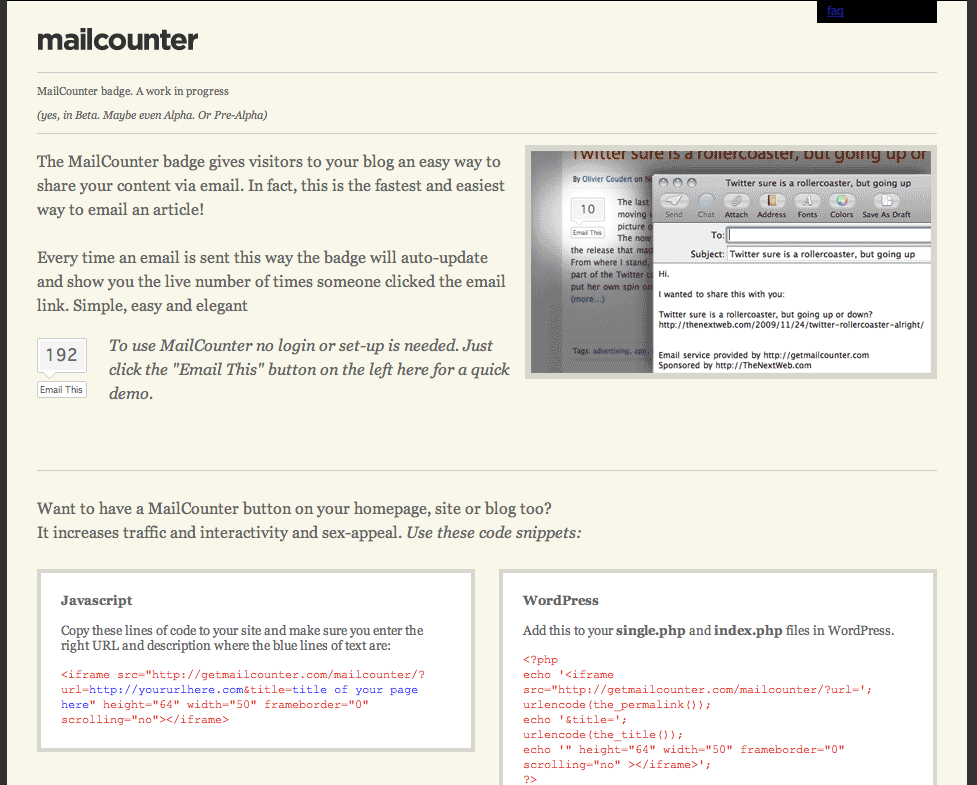
So that is how I built MailCounter
The technology is very simple: I serve a simple iFrame which you can include in WordPress or embed as a javascript that shows a Tweetmeme-like button with a count of the number of email shares.
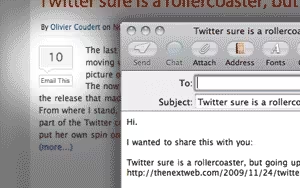
Every time someone click the “Email This” button a simple ‘mailto’ command it parsed to the browser which opens the default email application and enters a subject and body text including the title of the page you are visiting and the url to that post.
One click email sharing. Done.
I have been testing it on some of our blogs for the past week and so far most people seem to like it.
Of course some people complain that I don’t count the actual emails sent but only the clicks on the “Email This” button. That is all true. The system is easy to game. If you want to have 100% accurate counts this isn’t for you.
What I do show is the number of unique visitors who clicked the button on the result page. When you click the number in the mail icon I take you to a result page where you can see how many unique visitors actually used the MailCounter. It might show “10” shares by “1” unique visitor. If that is the case there are two possibilities: the blog owner is faking it OR one visitor shared this post with 10 friends.
I don’t expect this to be as big as TweetMeme but it might be useful for some people and I enjoyed hacking it together.
Why not give it a try (no sign-up needed after all) by clicking the MailCounter button on this post and if you like it you could include it in your own blog.
Let me know if you do so I can link to you here.
The website design for MailCounter was done, for free, by Renato Valdés Olmos from My Name is E who was the first to respond on my request via Twitter. Renato also did the design for TwitterCounter.
Get the TNW newsletter
Get the most important tech news in your inbox each week.