
TNW Quick Hit
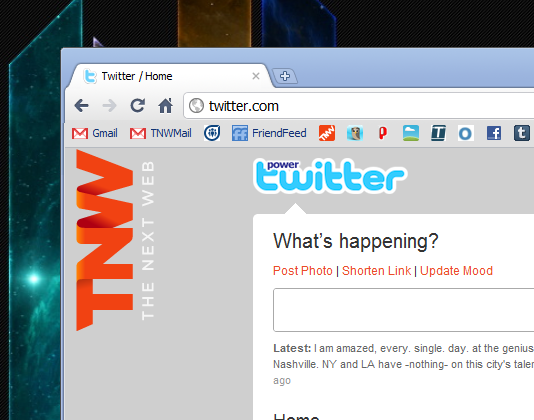
Power Twitter for Chrome is an extension that turns your Twitter stream links into highly-usable context.
Love It: No more guessing what’s behind a shortened or TwitPic link. Loads of context.
Hate It: It can make your Twitter feed a bit spammy, depending on who you follow and what they tweet.
Overall: 4/5
The Details
According to the extension’s page, there is a huge list of features that Power Twitter adds:
- inline YouTube, Flickr, TwitPic, Google Maps, song.ly, and all sorts of playable/viewable media
- link expansion
- link translation to page titles
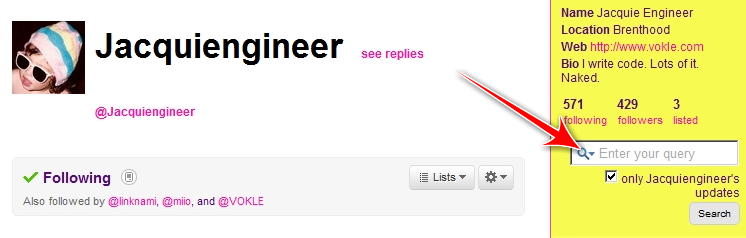
- search scoped to a specific user
- custom settings
- @mentions of friends on profile pages
- photo uploading
- link shrinking
- #dailyquestion
- #moods
While having a list is all well and good, what really matters is how it looks. So here’s a shot of my Twitter page, before and after:
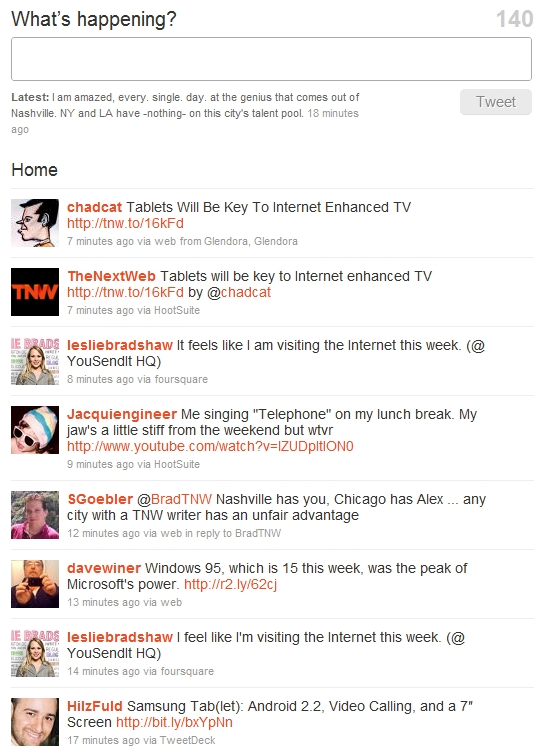
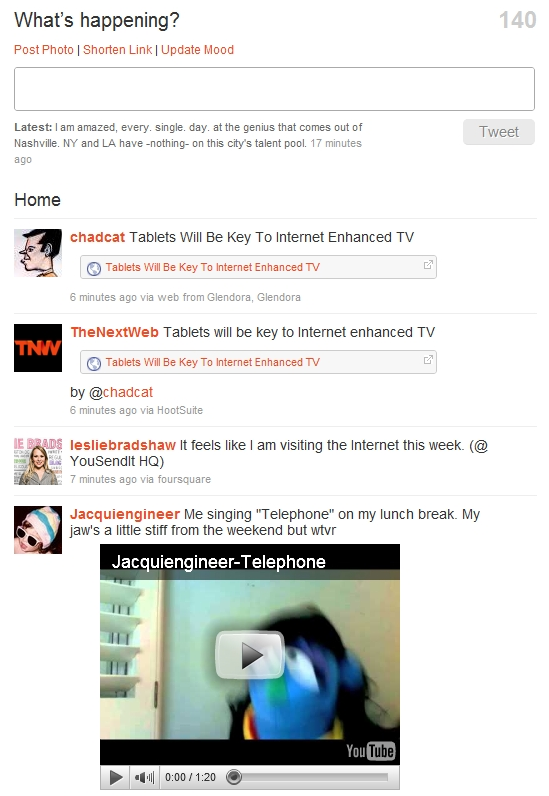
Notice the differences? Instead of just having links, you now have a really good insight about what it is that you’re clicking on. Not only does it take away the surprise factor, it can also save you time from weeding through things that you don’t necessarily want to see.
Another great feature? User-specific search:
Overall, it’s a wealth of great enhancements for using Twitter via the browser. Though it’s probably still not suited for power-users, it’s certainly a lot of fun to see what all you might have been skipping over before.
Get the TNW newsletter
Get the most important tech news in your inbox each week.